This website uses cookie or similar technologies, to enhance your browsing experience and provide personalised recommendations. By continuing to use our website, you agree to our privacy policy. You can adjust cookie preferences in Cookie Settings.

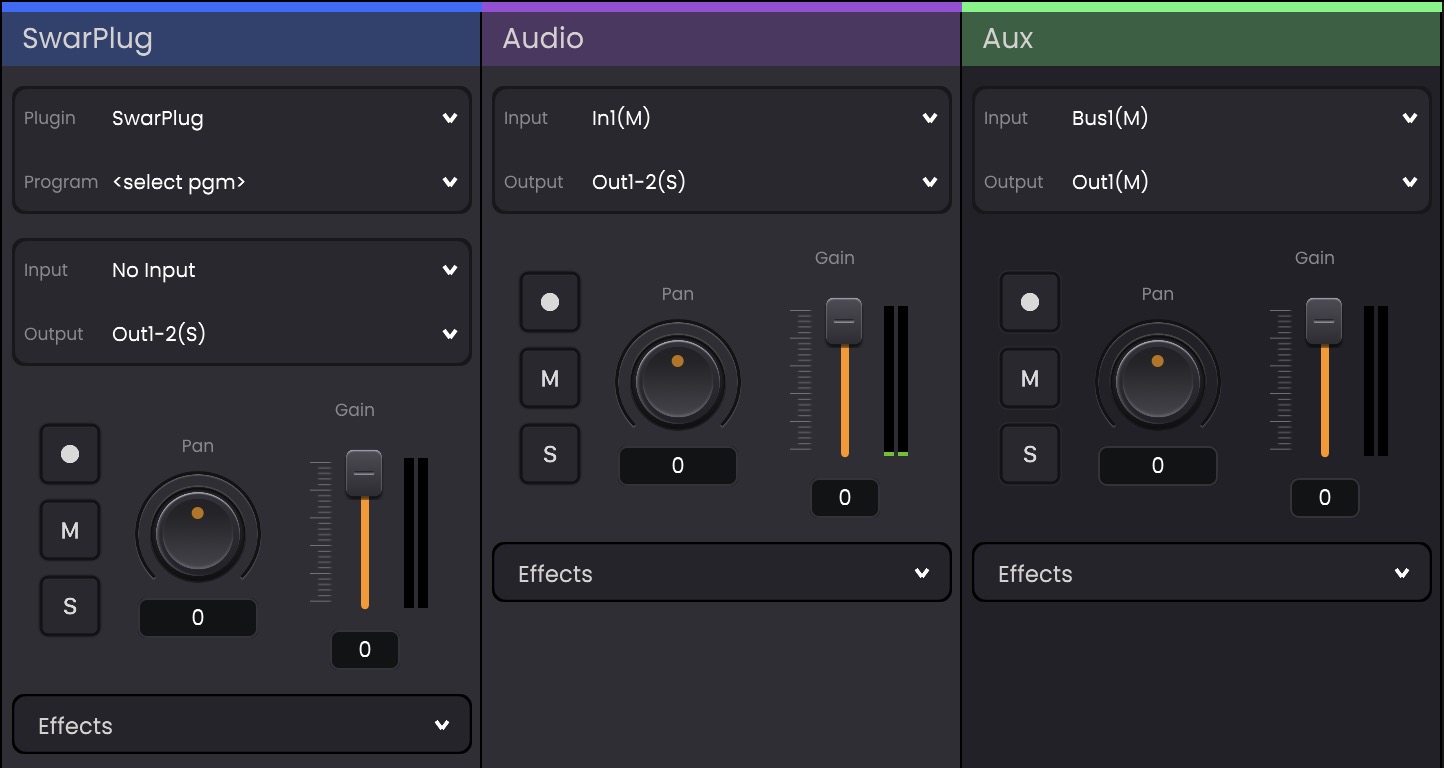
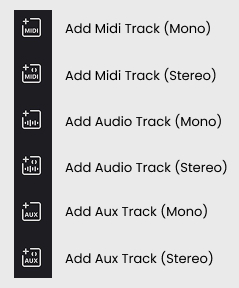
Tracks are the foundation of your project. They allow you to load instruments, record audio, route signals, and build your sound palate for your performance.
Each track type supports mono and stereo variants, giving you flexibility in how audio is processed and output.
A MIDI Track allows you to load virtual instruments such as Swar Plug or other third-party instruments once they have been scanned. Learn how to scan plugins in Swar Performer HERE.
The highlighted colour of Midi Tracks map to the Mappings strips on your devices in the Device Panel
An Audio Track is used for handling real-time audio input, such as microphones or external instruments. You can apply effects to incoming audio signals by adding effect plugins inside the Effects box
An Aux Track is used for routing and signal redirection within your project. It allows multiple tracks to be sent into shared processing chains or buses.
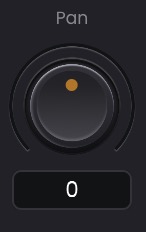
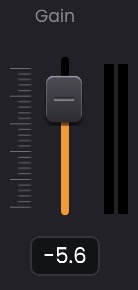
Tracks can be managed and edited using the track controls provided
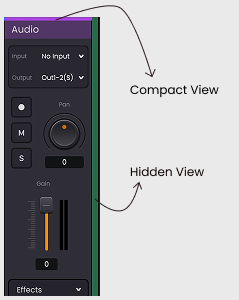
Each track includes standard controls for mixing and performance:
 Enables recording on the selected track.
 Isolates the track by muting all others.
 Silences the track output.