This website uses cookie or similar technologies, to enhance your browsing experience and provide personalised recommendations. By continuing to use our website, you agree to our privacy policy. You can adjust cookie preferences in Cookie Settings.


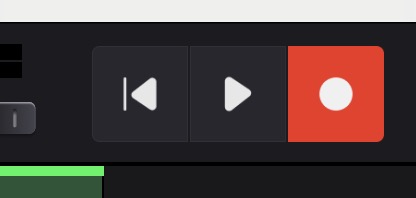
Once your session is ready, click the
 Record button in the top toolbar.
This arms all tracks for recording. Armed tracks are indicated by their record buttons turning red.
If you do not want a specific track to be recorded, you can unarm it by clicking its record button again.
Actual recording begins when you press the
 Play button in the top toolbar.
From that moment onward, any performance on armed tracks is recorded in the background.
When you press the
 Pause button,
recording ends automatically.
Pause button,
recording ends automatically.
Swar Performer then opens a temporary folder containing all recorded MIDI and audio files generated during the session.
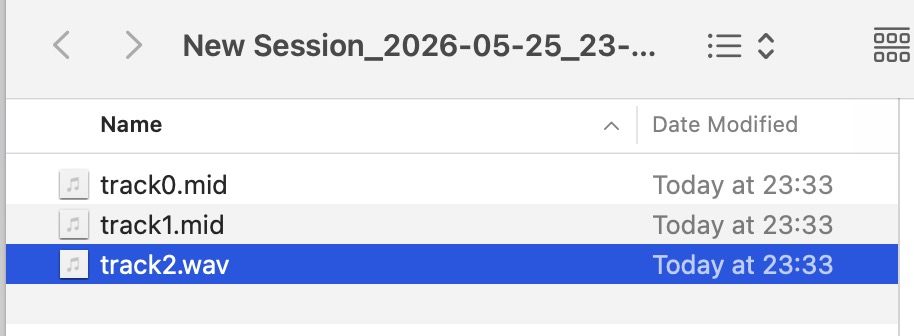
The recorded files can be stored as backups or imported into a DAW for further editing, mixing, or recreating the performance.